

- Описание
- Ограничения
- Что нового
DebugBar — инструмент для веб-дизайнера и фронтенд разработчика, позволяющий управлять отладкой веб-страниц и предназначенный для браузера Internet Explorer.
Он включает в себя две части: панель инструментов и панель разработчика. На первой можно открывать меню настроек, осуществлять поиск в Google, подсвечивать заданные слова, изменять размер окна для того, чтобы посмотреть, как поведет себя страница при разных разрешениях, определять пипеткой цвет элементов, делать снимки окна и отправлять их на почту, если в системе установлена утилита IETester, то Дебагбар может использовать её для проверки совместимости сайта с версиями Internet Explorera, также на панели инструментов можно активировать панель разработчика. На ней отображается структура содержимого страницы, исходный код, можно работать со скриптами, проверять синтаксис HTML и получать сводную информацию, такую как размер, время загрузки, количество рисунков, кодировка и так далее
Ограничения бесплатной версии
- 30-дневный пробный период.
Что нового в этой версии?
- исправлена проблема с потерей фокуса при выборе элементов DOM.
Скриншоты и видео:
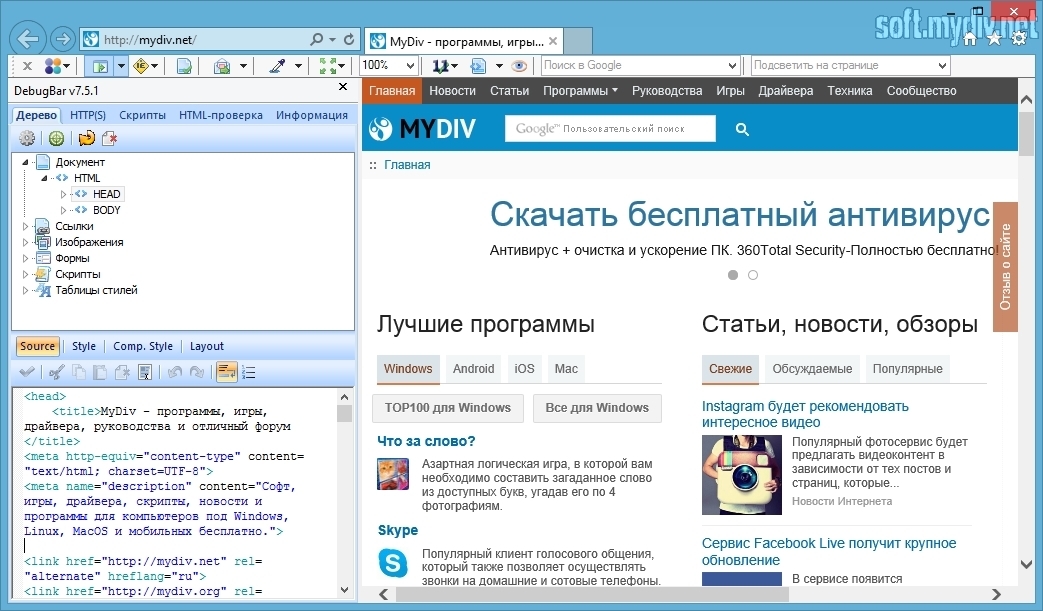
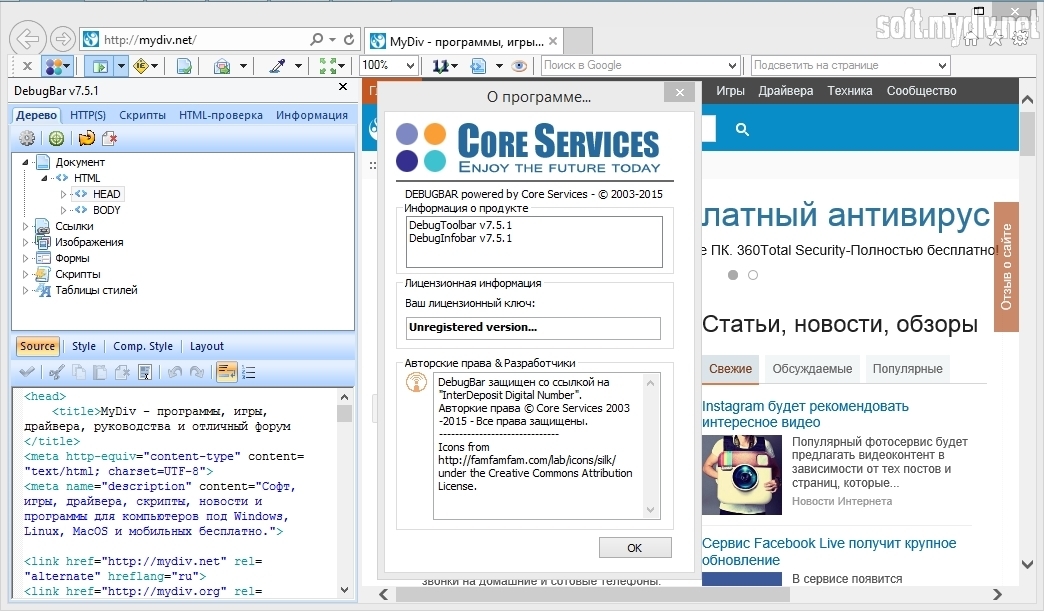
| Категория: | |
| Системы: |
Windows
|
| Размер: | 4,3 Мб |
| Автор: | Core Services ( Сайт) |
| Языки: |
Русский
|
| Лицензия: |
Trial
(Платная)
|
| Обновление: | 28.06.2016 |
| Версия: | 7.5.1 |


