

- Описание
- Возможности
- Ограничения
- Что нового
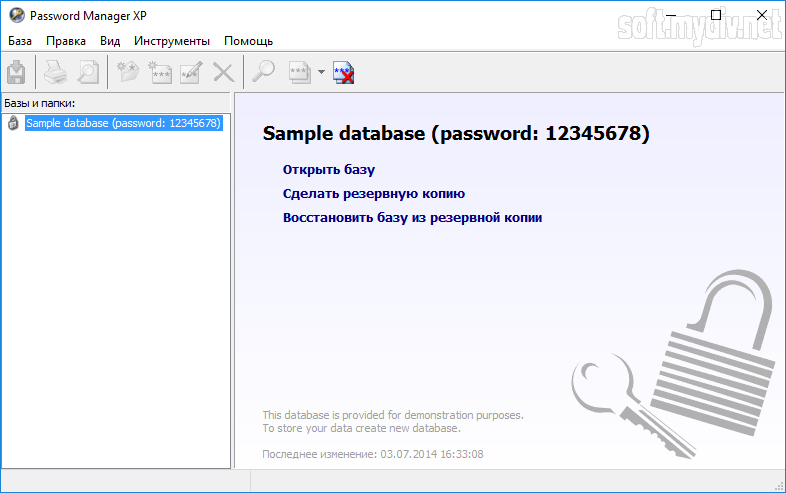
Password Manager XP - программа, которая помогает Вам систематизировать любую секретную информацию, сохраненную на вашем ПК. Это могут быть Ваши пароли и хранилища ключей.
Программа позволяет Вам создавать несколько баз данных для того, чтобы сохранить вашу секретную информацию. Каждая база данных имеет пароль доступа и зашифрована с различными алгоритмами (Blowfish, 3DES, Rijndael, Tea, Cast128, RC4, Serpent, Twofish).
Никаких временных файлов Password Manager XP никогда не создаёт, гарантируя, что зашифрованные данные никогда не будут перехвачены. Блоки информации вычищаются из памяти компьютера, как только в них отпадает необходимость. И если программу оставляют простаивать в течение некоторого периода времени, она автоматически закроется, чтобы никто не получил доступа к конфиденциальной информации.
Вы можете сохранять данные в различных базах данных, используя свои собственные пароли. Также, Вы можете создать базы данных паролей на общедоступном ресурсе, чтобы обращаться к ним с любых компьютеров в сети.
Мастер установки на сменные устройства поможет Вам установить Password Manager XP на USB flash-диски.
Программа легко интегрируется в Microsoft Internet Explorer. Это помогает Вам более безопасно заниматься серфингом в сети. Password Manager XP имеет встроенный генератор паролей со многими функциями.
Password Manager XP идеален для использования в рабочей группе. Программа позволяет нескольким пользователям получать доступ к базам данных паролей, причём, права доступа и привилегии могут регулироваться. Все изменения в базе регистрируются, давая администратору системы полный контроль над действиями пользователей.
Ключевые особенности и функции
- поддержка следующих алгоритмов кодирования (могут использоваться совместно): Blowfish, 3DES, Rijndael, Tea, Cast128, RC4, Serpent, Twofish;
- никаких незашифрованных временных файлов;
- встроенный генератор паролей;
- поддержка множественных баз данных;
- параллельный доступ для записи в базы данных для множественных пользователей;
- печать и возможность создавать заказные шаблоны печати;
- возможность сохранять базы данных с паролями и саму программу непосредственно на сменных устройствах, таких как USB flash-диски;
- бэкап и восстановление баз данных паролей;
- экспорт и импорт на\из CSV и текстовых файлов;
- варианты сортировки информации;
- удобный и простой настраиваемый интерфейс;
- многоязычный интерфейс;
- поддержка тем XP и множество других возможностей.
Ограничения бесплатной версии
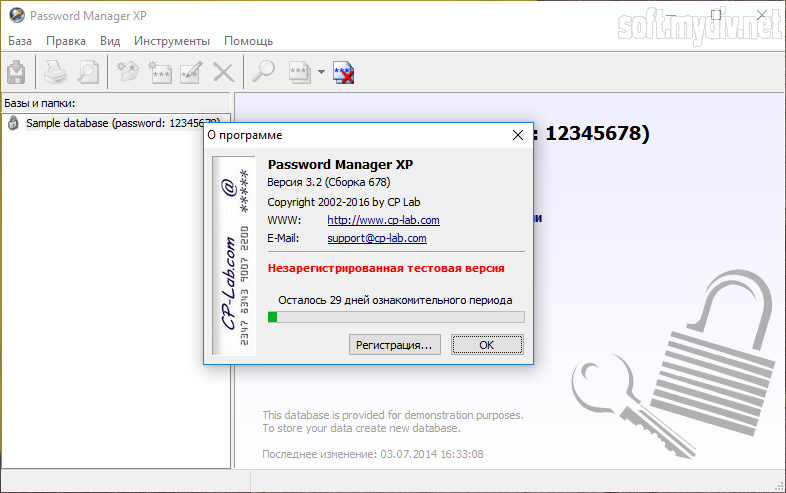
- 30 дней бесплатный пробный период;
- возможность создать только 2 базы данных по 10 паролей в каждой;
- экран напоминания о регистрации.
Что нового в этой версии?
- добавлена поддержка Enhanced Protected Mode в Internet Explorer на Windows 8 и Windows 8.1;
- добавлена поддержка 64-битной версии Internet Explorer;
- поддержка аутентификации NT на последних версиях Windows Server;
- добавлена иконка в трей на Windows 8.1.
Скриншоты и видео:

| Категория: | |
| Системы: |
Windows
|
| Размер: | 3,3 Мб |
| Автор: | CP-Lab ( Сайт) |
| Языки: |
Русский
|
| Лицензия: |
Trial
(Платная)
|
| Обновление: | 15.04.2023 |
| Версия: | 4.0 Build 822 |


