

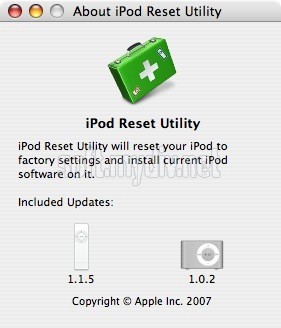
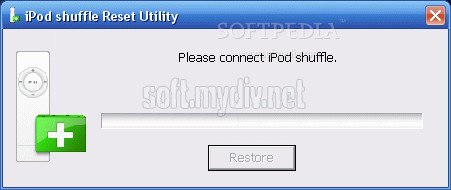
iPod shuffle Reset Utility восстанавливает IPod Shuffle до первоначального состояния. Процесс восстановления полностью стирает всю музыку, и данные о IPod Shuffle и переустанавливает ПО плеера до версии 1.1.5.
Примечание:
iPod shuffle Reset Utility предназначена только для первого поколения,с памятью в 512МБ и 1GB IPod Shuffle. Любые другие IPod, включая второе поколение не поддерживаются. Если вы не уверены, какой у вас IPod обратитесь в техническую поддержку компании Apple.
Автор обзора
:
Сергей Нечаев, 03.07.2015
Оценка:
Скриншоты и видео:
| Категория: | |
| Системы: |
Windows
|
| Размер: | 4,9 Мб |
| Автор: | Apple Computer Inc ( Сайт) |
| Языки: |
Английский
|
| Лицензия: | Freeware (Бесплатная) |
| Обновление: | 03.07.2015 |
| Версия: | 1.0.4.71 |
Новые отзывы о iPod shuffle Reset Utility
Хороших отзывов пока нет. Оставьте свой и помогите другим с выбором!
Добавить отзыв


