

- Описание
- Возможности
- Ограничения
- Требования
- Что нового
Raw-конвертер Capture One от корпорации Phase One - разработчика одноименной топовой цифровой среднеформатной фотокамеры, будет прекрасным выбором как для профессионалов, так и для любителей цифровой фотографии. Являясь прямым конкурентом Adobe Lightroom, Capture One обладает ничем не уступающим функционалом и позволяет получить высококачественный результат.
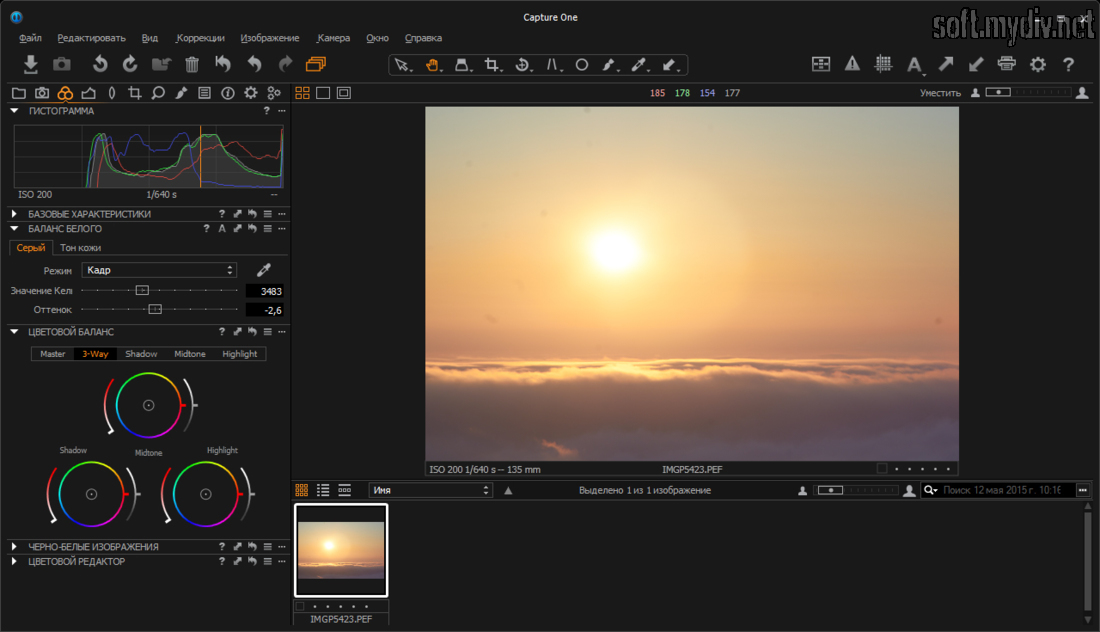
Восьмая версия программы получила обновлённый интерфейс в стиле flat design, переработанный графический движок позволяющий достичь высокой скорости работы и большое количество улучшений для упрощения работы с фотографиями.
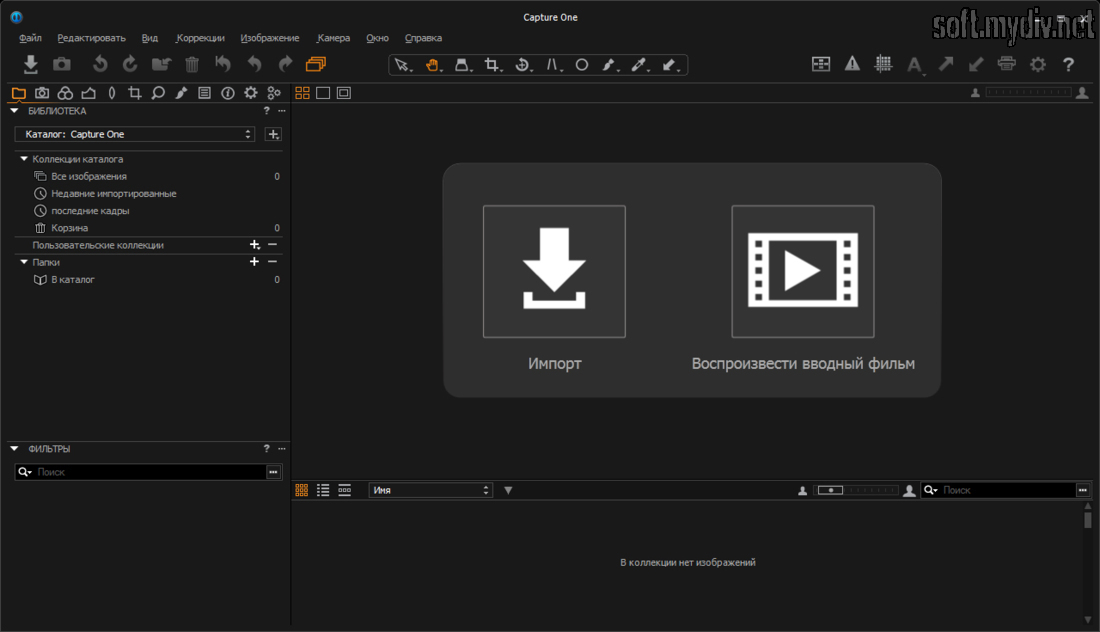
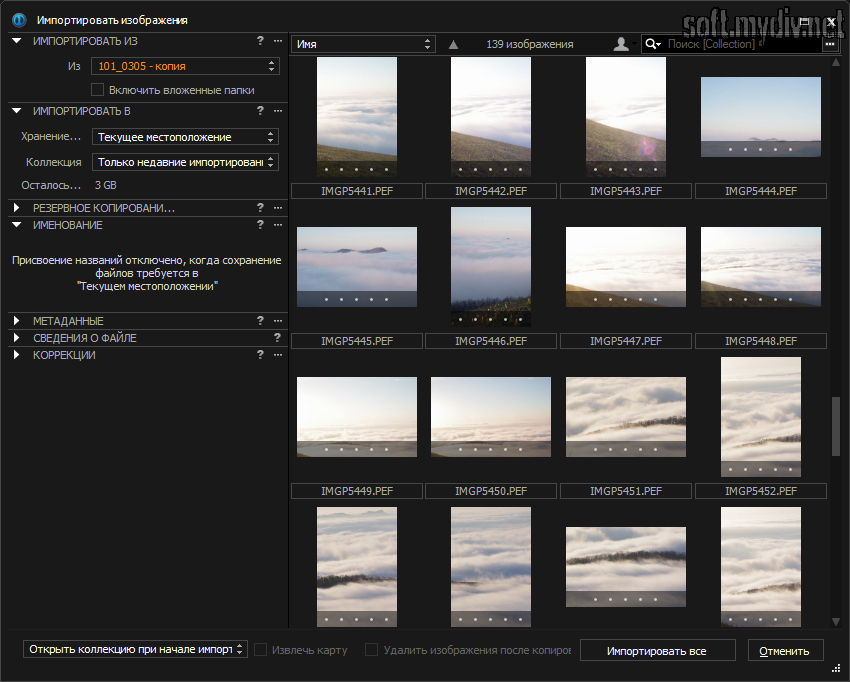
Основные функции программы можно условно разделить на две части: это каталогизация фотографий - создание библиотеки своих фотоснимков, их структуризация и создание пользовательских коллекций. В этом «режиме» можно создать удобную для себя структуру фотоальбомов, а новый инструмент Dynamic Locations будет хорошим помощником в этом деле. Этот инструмент позволяет назначать теги к фотографиям, и потом в соответствии с тегами создавать каталоги на диске и распределять в них файлы.
Вторая условная часть это, собственно, конвертация и обработка фотографии. Здесь можно делать все привычные операции с «сырыми» файлами - настраивать экспозицию, баланс белого, управлять светом и тенью. В восьмой версии полностью переработан инструмент «Цветовой баланс» теперь можно раздельно управлять цветовым тоном для светлых областей и теней. В Capture One есть большая база профилей объективов, программа сама определяет на какой объектив снята фотография и производит коррекцию хроматических аберраций, виньетирования и дисторсии и т.д. Есть инструменты удаления пыли, повышения резкости, работа со слоями, кадрирование и многое другое.
Приятными моментами при работе с Capture One являются русский язык интерфейса и большое количество обучающих видео и статей на официальном сайте программы. Так же очень много информации по работе с программой можно найти на тематических сайтах.
Ключевые особенности и функции
- поддержка большого количества форматов, фотокамер и объективов;
- новый интерфейс прост и удобен в использовании;
- новый цветовой баланс позволяет изменять цвета отдельно в светах, тенях и средних тонах;
- возможность изменять размер окна кривых, для детальных изменений;
- удобный инструмент каталогизации фотографий Dynamic Locations;
- предпросмотр файлов сверхвысокого разрешения на больших экранах;
- возможность управления подключёнными к компьютеру фотоаппаратами и съёмка в режиме Live View;
- новые инструменты для работы со слоями;
- добавление эффектов и имитация плёночного зерна,
- высокая, в сравнении с предыдущей версией программы скорость работы;
- большая библиотека дополнительных стилей, пресетов и т.д.;
- возможность приобретения программы по подписке.
Ограничения бесплатной версии
- 30-дневный пробный период.
Специальные требования
- процессор Intel Core 2 Duo или более быстрый;
- 4 Гб оперативной памяти;
- 10 Гб свободного места на жестком диске;
- экран с разрешением 1280x800.
Что нового в этой версии?
- сервис-релиз, который добавляет бессрочную лицензию для Capture One Fujifilm.
Скриншоты и видео:

| Категория: | |
| Системы: |
Windows
|
| Размер: | 146 Мб |
| Автор: | Phase One ( Сайт) |
| Языки: |
Русский
|
| Лицензия: |
Trial
(Платная)
|
| Обновление: | 11.10.2018 |
| Версия: | 11.3.1.4 |


