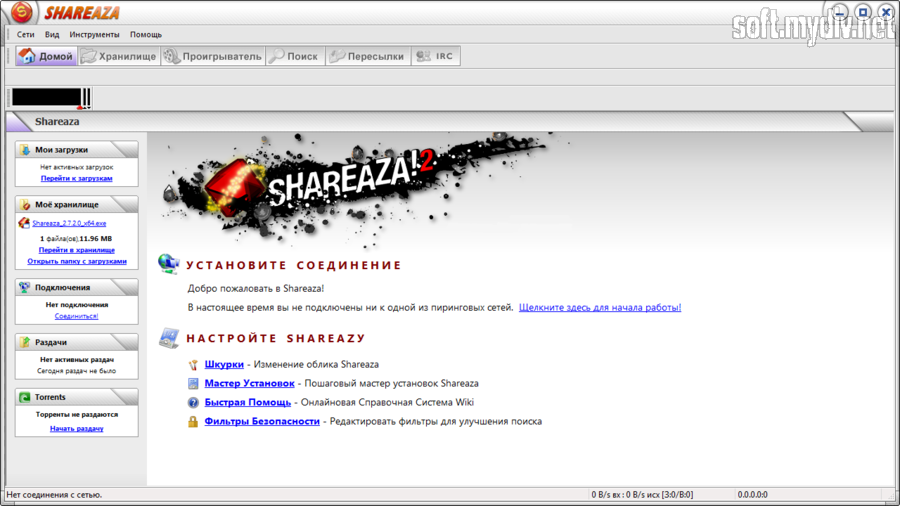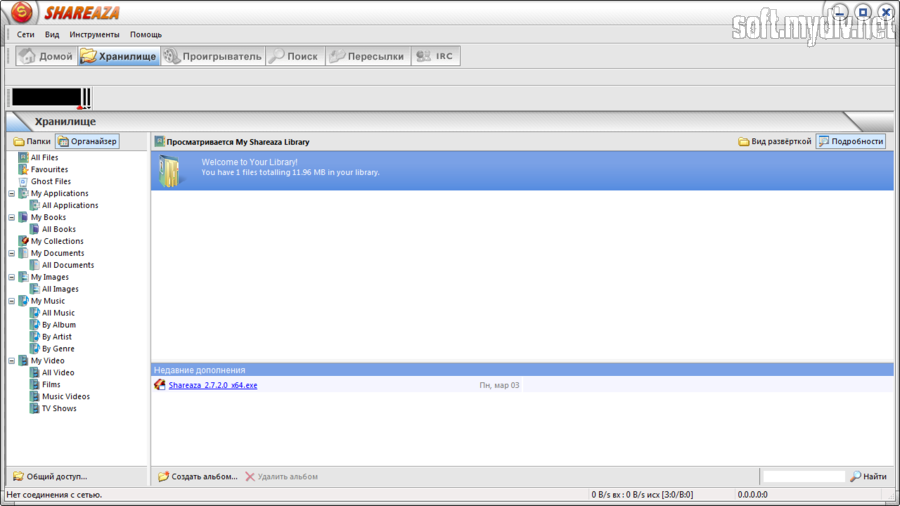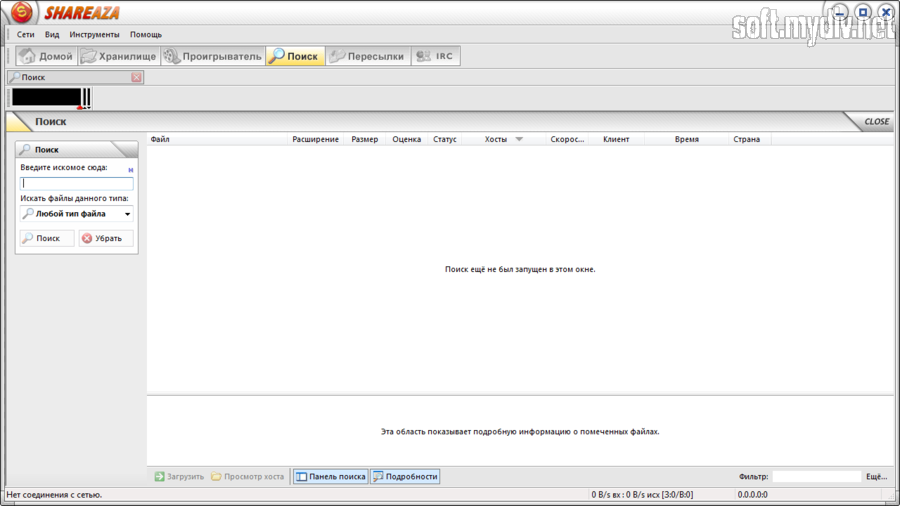
Shareaza is a Gnutella file sharing application that will allow you to find/share any type of material: images, audio, books, video, software and more on the net's coolest peer-to-peer network.
It supports the latest Gnutella Technologies, including Swarm Downloading, Upload Queuing, Partial File Sharing, Ultrapeers, Metadata, File Hashing, and more.
The program offers an attractive, easy to use interface with customizable skins and modern menus and dialogs.
Additional features include a file sharing library, download and connection monitor and much more. Very nice!
· Use the power of 4 P2P Networks simultaneously!
Four networks mean access to a wide variety of users. Look no further: Shareaza's got it!
· Download from multiple sources
Experience downloads the way they were meant to be: fast! Shareaza swarms across four networks!
· Sophisticated file-hashing
Say adios to corrupted files and mp3s that skip. Shareaza detects and fixes corruption before the download completes.
· Find that file with Global Searching on Gnutella2!
Search the entire network, not just a part of it. Shareaza will find you that file!
· Multiple results tabs
Each search is displayed in a new window. Your search results will never be overwritten. Shareaza runs the searches you want, when you want!
· Previews, users comments, and ratings
Get picture and movie previews right from the search panel. Even view comments and ratings written by users like you. Shareaza ensures you avoid those fakes and download the real deal!
Customise, Customise, Customise
· Tired of boring old Windoze? Why not Skin it!
Choose from dozens of different looks or even make your own skin and share it to the world! Shareaza has a style to suit your tastes!
· Shareaza goes Global!
Translated into over Ten different languages (and counting), Shareaza is equipped with full Unicode support for true international searches and downloads. Shareaza is perfect for anyone, anywhere in the world.
· Further Shareaza's horizon with a Plug-in
Extend the functionality of Shareaza with plug-in modules, the sky is the limit. You can even create your own!
Preview your files and Chat to others
· Did someone say Media Player?
Play all types of video and audio files, watch visualisations, edit playlists, and even control the player with a snazzy remote. Shareaza is your one-stop media solution.
· Preview filters
Want to view that video file before it has finished downloading? Well, Shareaza has the ability to preview your incomplete audio and video files!
· Chat with a friend or someone you've just met!
You can chat with friends one-on-one while you're using Shareaza, pass on a message or get to know another Shareaza user.
Be Secure! You never know who's out there.
· Block unwanted attention
With the help of security block lists, a highly-sophisticated IP and client filter, you have the ability to block malicious companies and clients. Shareaza keeps you safe.
· Ограничения Shareaza 2.2.5.0 Beta
Ограничения не определены
· Специальные требования Shareaza 2.2.5.0 Beta
· NT4 Users: You'll need to download and install the Tahoma font from Microsoft (if you don't already have it) for Shareaza's user interface to look correct.
· Windows 95 Users: As well as the Tahoma font, Windows 95 users require the Winsock2 Update (from Microsoft) for Shareaza to work correctly.
· История версий и изменений Shareaza
Версия: 2.2.5.0 beta
· Fixed invalid tag count in ed2k HELLO packet.
· Removed hardcoded 30 secs for UPnP timeout, replaced with 10 secs timeout after the last event.
· Fixed temp file deletion when autoseeding is turned off.
· Disabled DIPP support by default (moved to experimental advanced settings).
· Fixed zero peerID.
· Real fix of Normal mode crash after the fresh install.
· Fixed case of STRISTATE.
· Remove BT clients from upload queue after receiving Cancel or Uninterested packets when seeding.
· Fixed plugin windows skinning (the windows now can be translated from the language XML files).
· Updated Queue properties dialog (supports skinnable protocol icons).
· Increased default width for the "Extension" column.
· Merged search panel from CyberBob's branch.
· All protocol icons are skinnable now.
· Made download sources icons skinned.
· Fixed invalid command ID and added IDs for HTTP, FTP and BT protocols.
· Added custom skin-icon support for Home panel boxes.
· Fixed autoseeding/tracker updates when multiple files are seeded.
· Merged code from CyberBob? branch to fix searches from metadata panel.
· Fixed broken GUI mode switches.
· Updated ICQ link.
· Added cursors for scheduler.
· Fixed soundType syntaxis.
· Fixed search result filtering when searched by entering terms in metadata box (ed2k was mainly affected).
· Implemented metadata spam filter.
· Added some buffer overrun checks/preventions.
· Force binding IP update fixed (thanks to dcat).
· Removed 0.0.0.0 from the IP dropdown boxes on the Connection settings page.
· Memory leak fixed when torrent source file was not found.
· Torrent autoseeding fixed when the single-file torrent source was removed manually.
· Workaround to have typelib opened in VB applications.
· Tracker request memory leak fixed.
· Updated the list of BT client peer IDs.
· Workaround to open partial image files in the Image Viewer.
· Improved BT packet reading: subsequent keep-alive packets are treated as one.
· Removed EOLs from XML metadata.
· Описание и дополнения от редакторов и пользователей сайта