

- Описание
- Возможности
- Ограничения
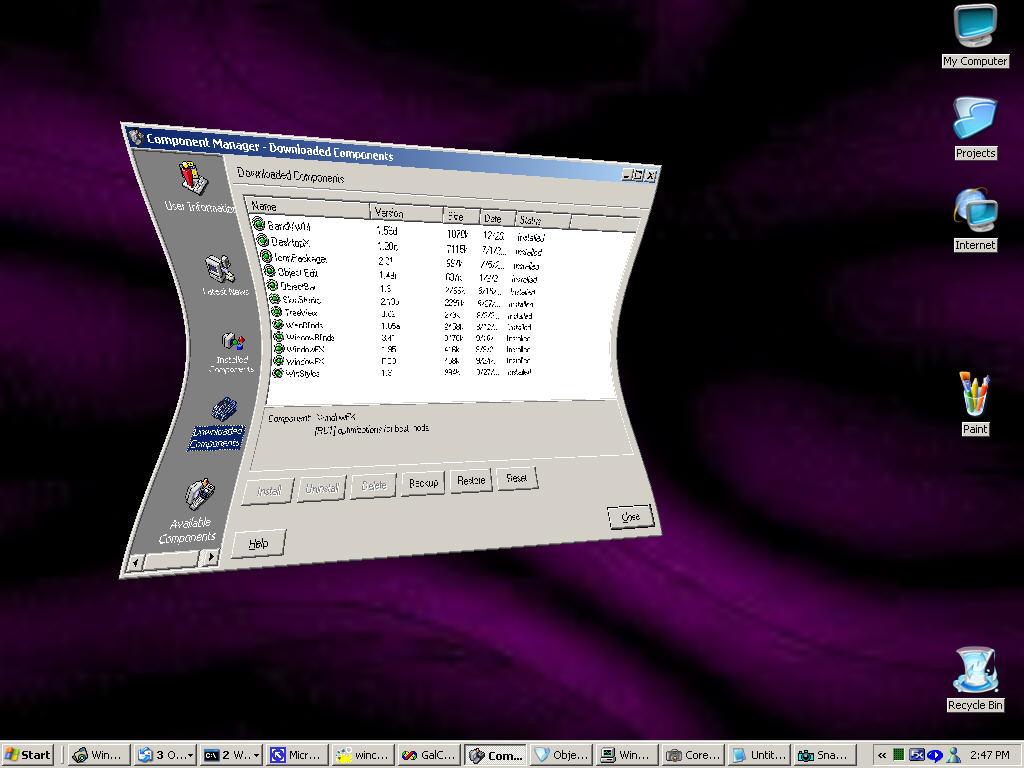
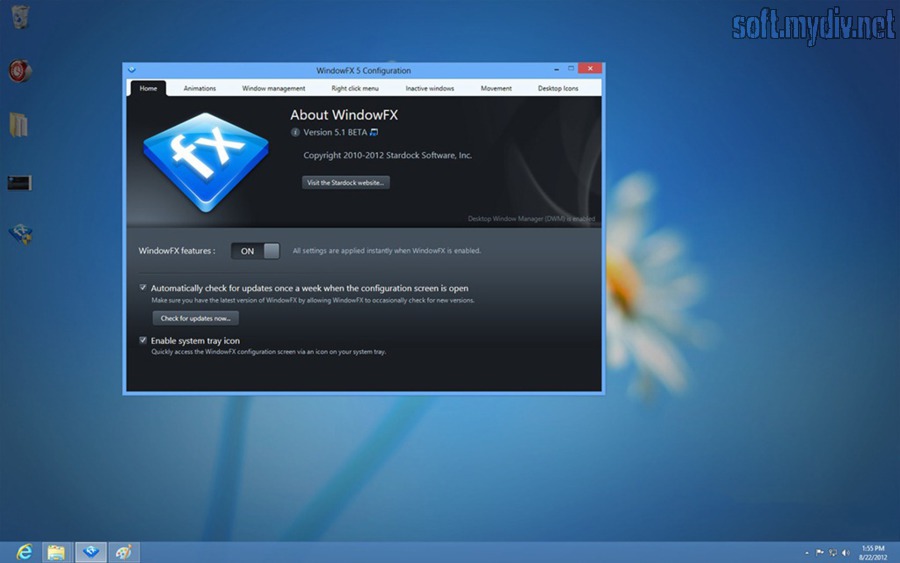
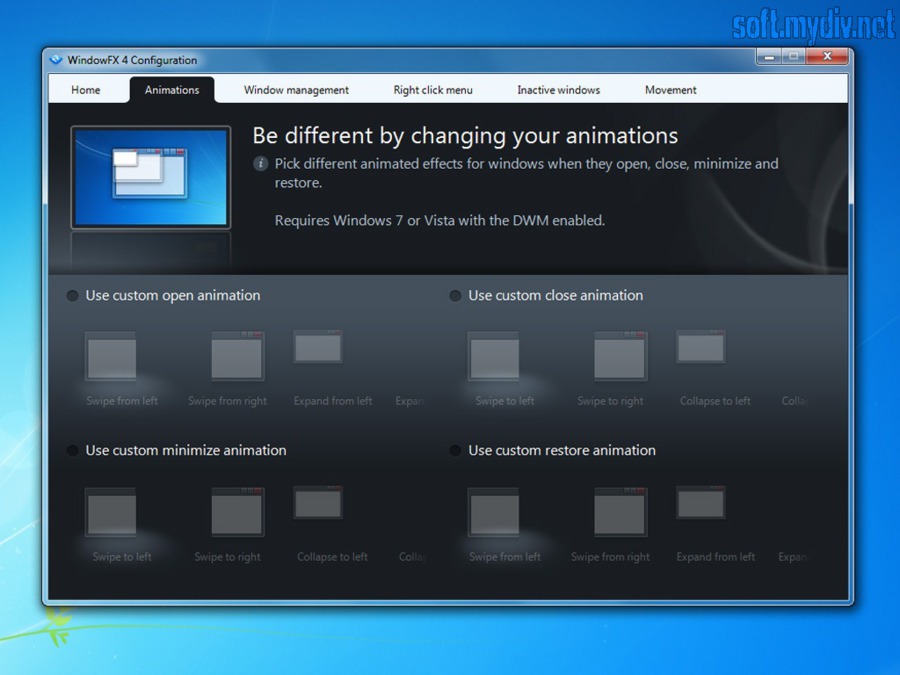
WindowFX - приложение, способное до неузнаваемости изменить привычный интерфейс вашей операционной системы. Программа позволяет использовать более 30 анимационных эффектов при открывании, минимизации и восстановлении окон и более 20 эффектов для меню Пуск. WindowFX может автоматически менять размер и расположение открытых окон так, чтобы вы работали с максимальным комфортом и продуктивностью. Чтобы изменить прозрачность, размер или эффекты окна, вам достаточно просто кликнуть на нём правой кнопкой мышки. При помощи WindowFX вы сможете быстро скрывать иконки на рабочем столе (или скрывать подписи под иконками), минимизировать неактивные окна, затемнять их и применять к ним прочие визуальные эффекты. При этом большинство эффектов полностью настраивается. WindowFX обладает ещё одной интересной и полезной функцией - эта программа позволяет избавиться от надоедливых стрелок, которые Windows по умолчанию "рисует" в левом нижнем углу каждого ярлыка на рабочем столе.
Ключевые особенности и функции
- анимация окон при их сворачивании и разворачивании;
- применение визуальных эффектов к неактивным окнам;
- возможность скрывать ярлыки на рабочем столе.
Ограничения бесплатной версии
- 30 дней бесплатного использования.
Скриншоты и видео:
| Категория: | |
| Системы: |
Windows
|
| Размер: | 17,7 Мб |
| Автор: | Stardock Corporation ( Сайт) |
| Языки: |
Английский
|
| Лицензия: |
Trial
(Платная)
|
| Обновление: | 27.10.2022 |
| Версия: | 6.13 |


